When you’re winching out of mud, sand, or a steep incline, throttle control matters just as much as the winch itself. That’s where Winch Mode on the iThrottle Controller comes into its own — giving you smoother control, improved safety, and less strain on your vehicle during demanding recoveries.
Designed for real-world off-road use, iThrottle’s Winch Mode helps you maintain consistent engine RPM while winching, so you can focus on the recovery — not juggling the accelerator.
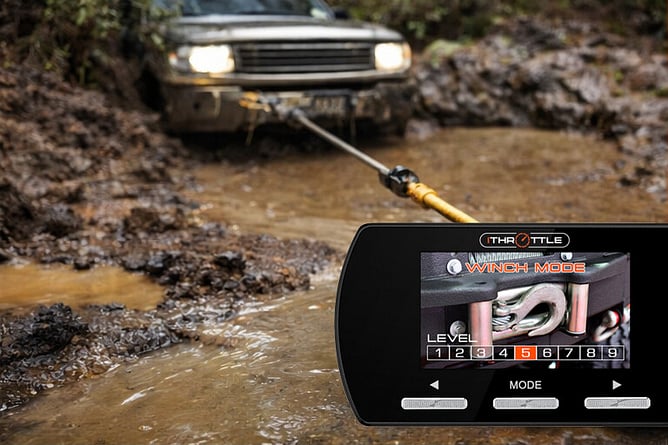
What Is Winch Mode?
Winch Mode is a dedicated setting on the iThrottle Controller that allows you to increase and hold engine RPM without touching the accelerator pedal.
Instead of awkwardly balancing your foot on the throttle while operating a winch remote, Winch Mode lets you select a stable RPM level directly from the controller.
Key benefits:
Maintains consistent engine speed while winching
Reduces load on the battery and alternator
Improves control and safety during recoveries
Frees you up to focus fully on the winch operation
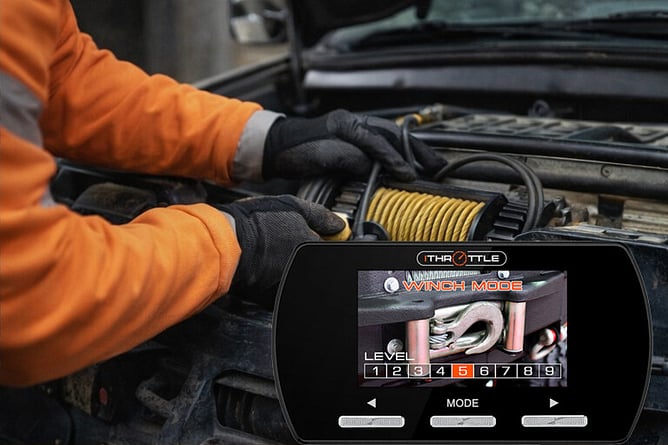
9 Adjustable Levels for Precise Control
Winch Mode features nine selectable RPM levels, allowing you to fine-tune engine speed depending on the recovery situation.
Light recoveries → lower RPM
Heavy pulls or steep terrain → higher RPM
Controlled, predictable engine response every time
This adjustability is especially useful for modern vehicles where throttle sensitivity can otherwise feel unpredictable.
When Would You Use Winch Mode?
Winch Mode isn’t just for extreme off-roaders — it’s practical in many real-world scenarios:
Recovering a bogged 4WD
Winching up steep tracks or slippery inclines
Pulling a vehicle onto a trailer
Controlled recoveries where smooth power delivery matters
By holding steady RPM, you reduce sudden surges that can overload winches, snap cables, or stress drivetrain components.
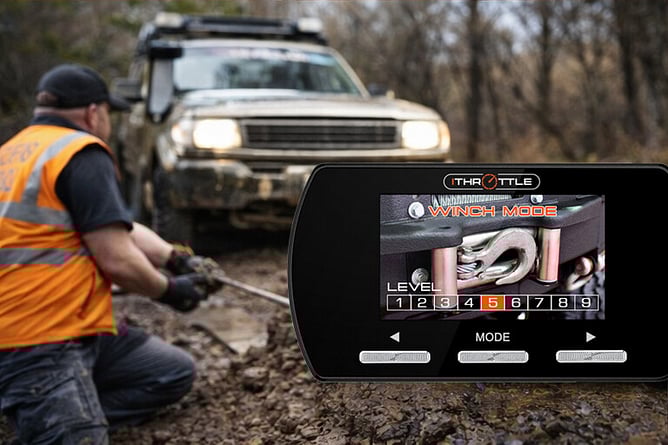
How to Use iThrottle Controller Winch Mode
Using Winch Mode is straightforward:
Activate Winch Mode via the iThrottle controller
Select your desired RPM level (1–9)
Operate your winch with steady, controlled engine speed
Adjust RPM as conditions change
No pedal juggling. No guesswork. Just consistent power when you need it most.
How iThrottle Winch Mode Compares to Other Controllers
Many throttle controllers stop at basic response adjustment. iThrottle goes further.
Feature | iThrottle | Typical Controller |
|---|---|---|
Dedicated Winch Mode | ✅ | ❌ |
Adjustable RPM Levels | ✅ (9 levels) | ❌ |
Colour LCD Feedback | ✅ | ❌ |
Purpose-built for recoveries | ✅ | ❌ |
It’s a feature designed by people who actually use their vehicles off-road.
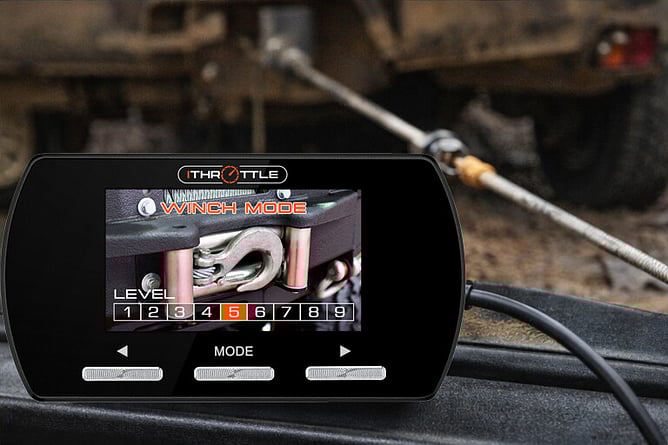
FAQs – iThrottle Controller Winch Mode
Does Winch Mode work with all winches?
Yes — Winch Mode works independently of the winch brand.
Is it safe for my engine?
Yes. Winch Mode delivers controlled RPM within safe operating limits.
Can I adjust RPM while winching?
Absolutely — levels can be adjusted on the fly.
Ready to Upgrade Your Recovery Setup?
Whether you’re tackling serious tracks or just want more control when things get tricky, Winch Mode on the iThrottle Controller gives you confidence when it matters most.
👉 Shop iThrottle Controller Now
👉 Contact iThrottle New Zealand 07 376 5982